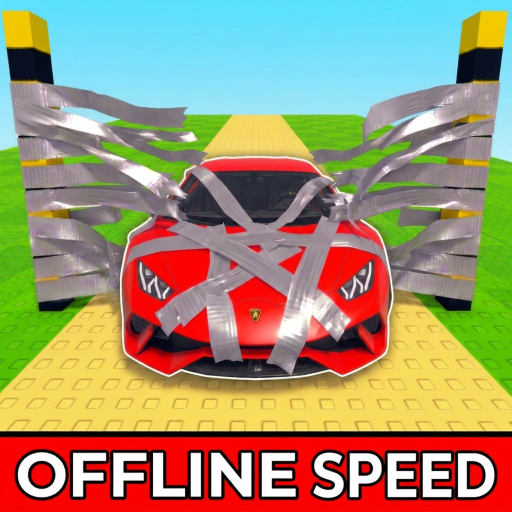
NO VERIFIED CODES
Needs public sourceThe official Roblox description does not list codes, and the gameplay videos reviewed on August 23, 2026 do not show a Codes button or redemption screen.
Added or checked: Checked 2026-08-23
Current evidence shows no verified Cars VS Tape code system. This page explains what was checked and flags made-up code lists found in search results.
As of August 23, 2026, the official Roblox description lists no codes and the reviewed gameplay videos show no Codes button or redemption screen. Do not type random strings from low-quality code sites.
Do not publish guessed codes. List a code only when Roblox, a creator-owned channel, or an established public tracker lists it.
The official Roblox description does not list codes, and the gameplay videos reviewed on August 23, 2026 do not show a Codes button or redemption screen.
Added or checked: Checked 2026-08-23
We will publish steps only after the exact game adds a visible code menu or its creator announces one.
Some generic code pages automatically publish plausible-looking strings without showing a creator announcement or in-game redemption proof. Search visibility is not verification.
Checked state
The exact-game search found demand, but no official description, creator announcement, or reviewed gameplay screen verified a Cars VS Tape code string.
Common mix-up
Search results can surface similar Roblox car or tape game names. A code belongs here only when the source names Cars VS Tape and the Roblox experience identity matches.
If a code appears
Record the exact source, reward wording, checked date, and whether the game has a visible Codes, Rewards, Shop, or Settings entry before promoting it from source-watch to active.